
Retirewise Pro
Run the whole practice.
An advisory practice doesn’t run on one screen — it runs on a dozen. Retirewise Pro puts the pipeline, the plans, the reviews, the evidence, and the audit trail in one workspace, on the same record.
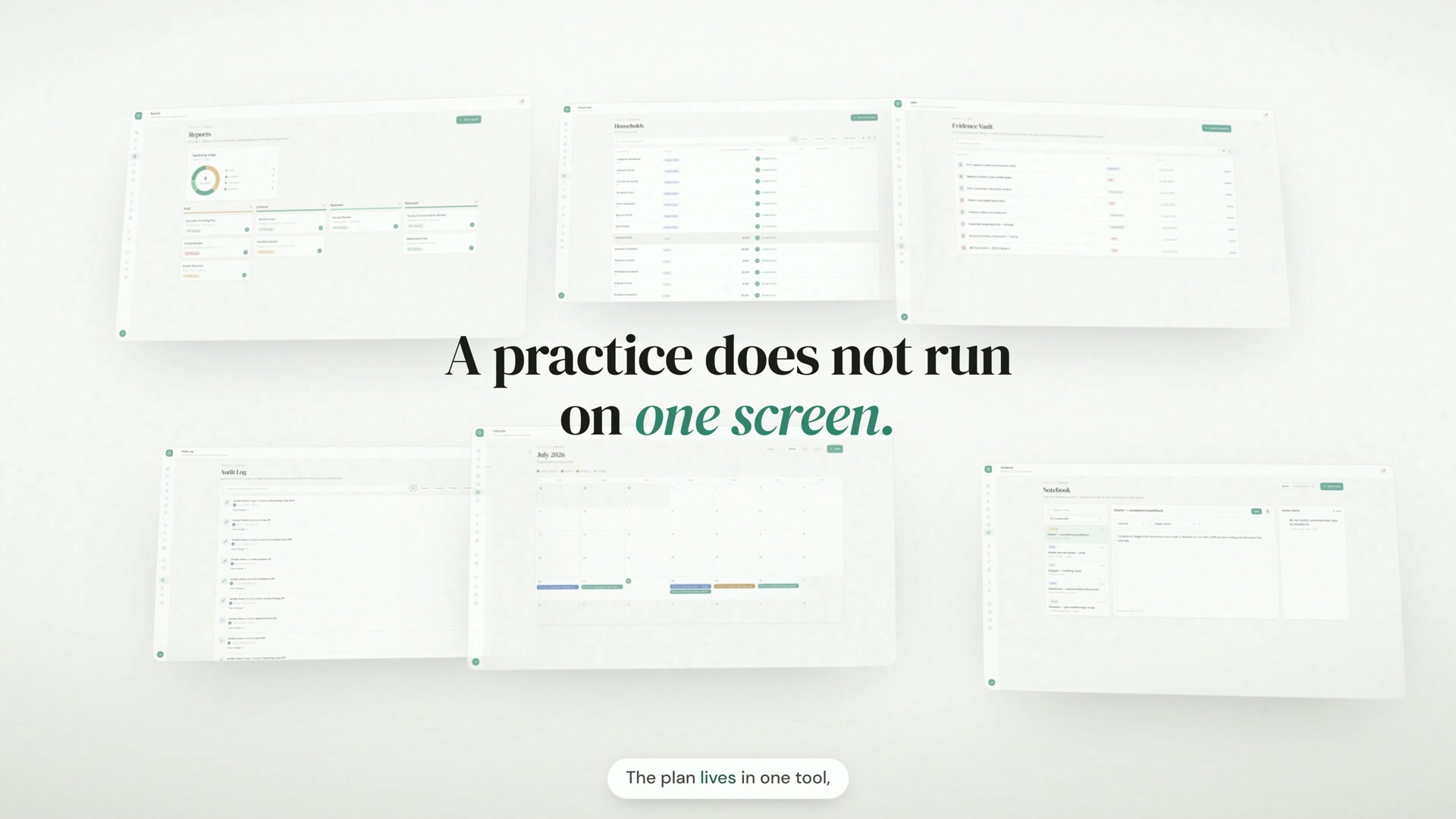
Every scene is captured from the real product, running the Northstar Wealth Partners demo practice — $23.8M in linked assets across 15 households.
One workspace, five jobs
Everything an advisory practice does in a day — organized the way the work actually flows.
The cockpit
Open on what needs attention today.
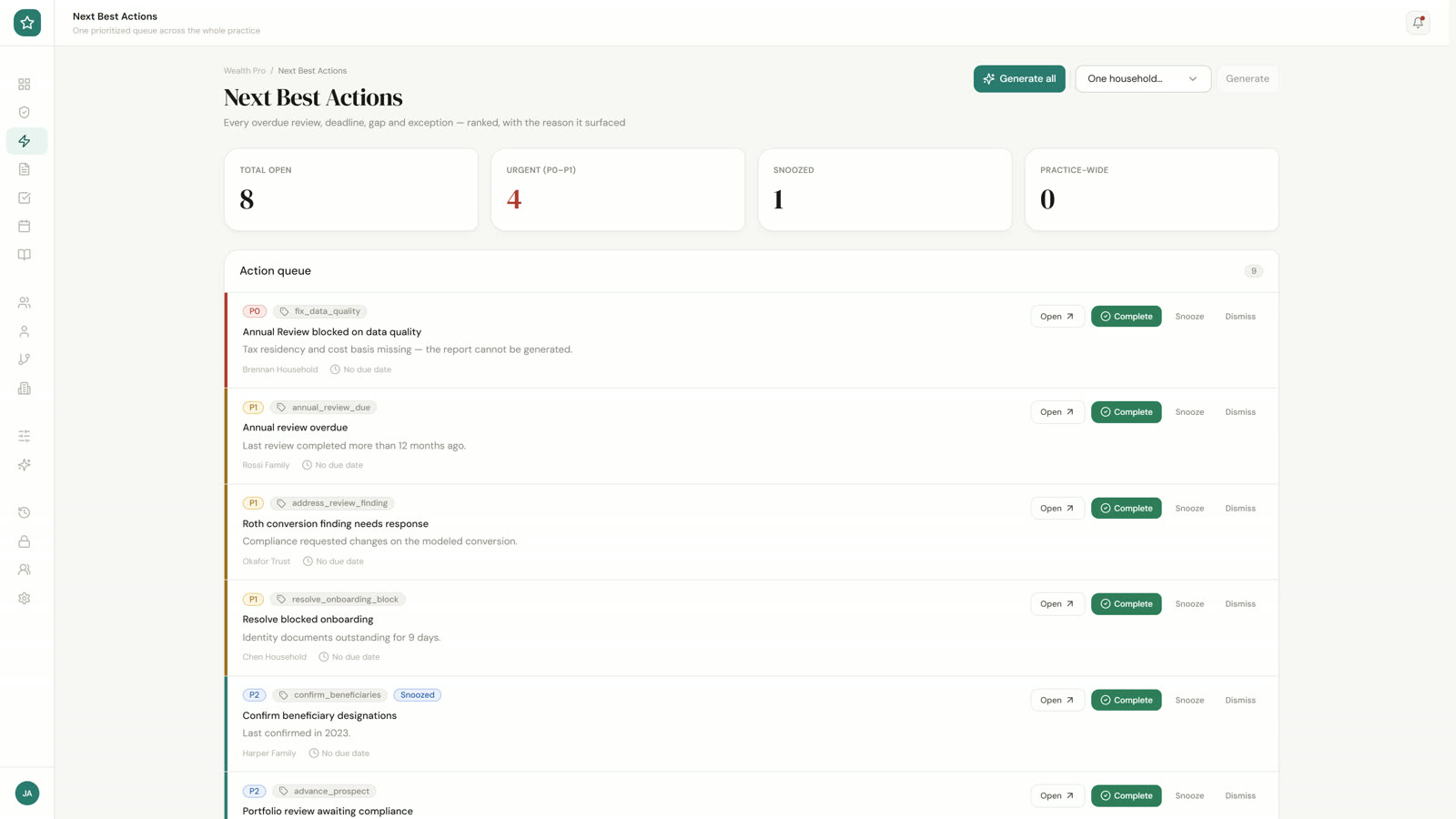
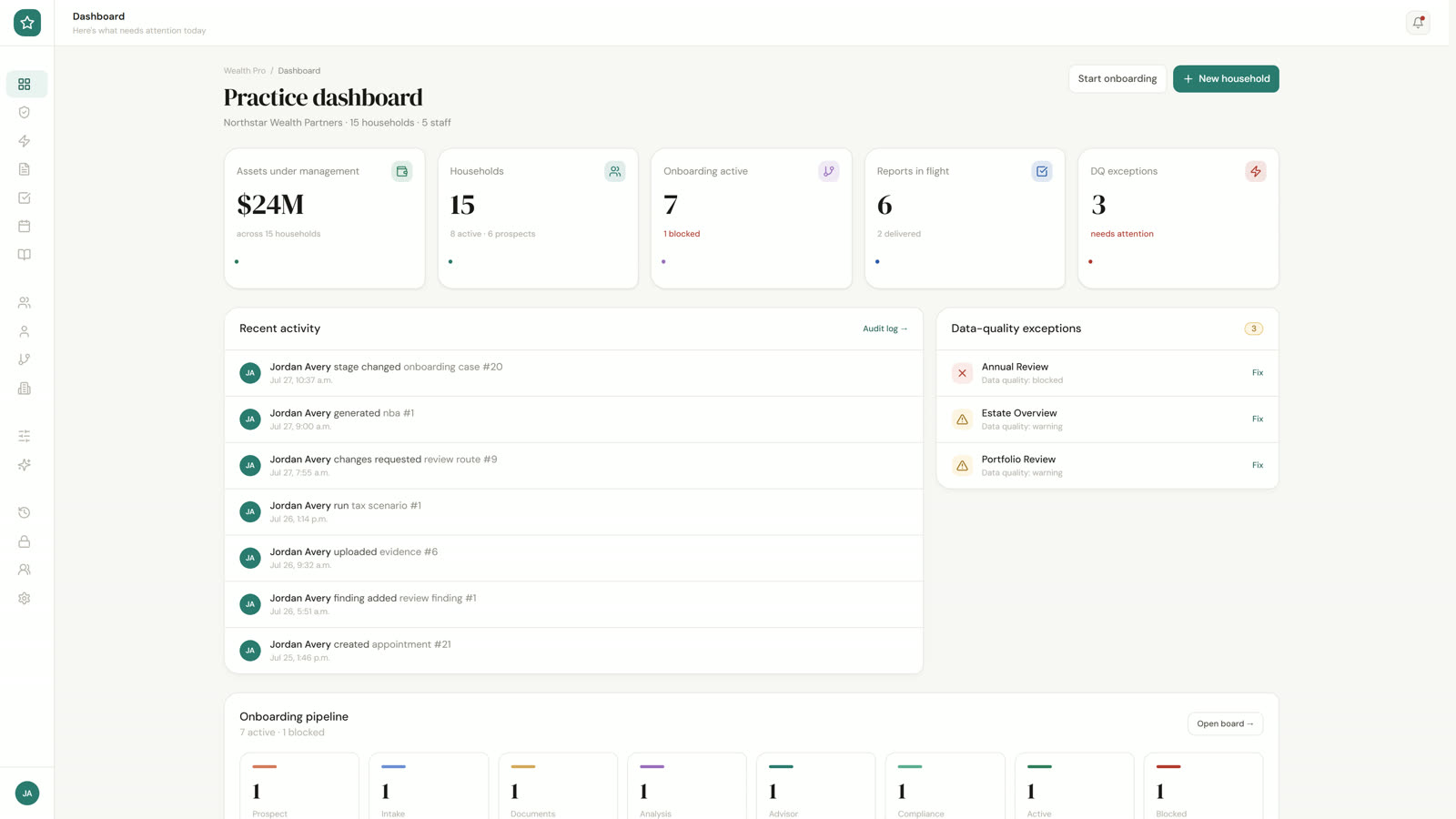
The dashboard puts the practice’s numbers and a live, attributed activity feed on one screen. Supervision collapses every open item across five modules into a single worklist. Next Best Actions ranks overdue reviews, deadlines, gaps, and exceptions — each with the reason it surfaced.
- Dashboard
- Supervision
- Next Best Actions
Clients, end to end
From prospect to active household — on one record.
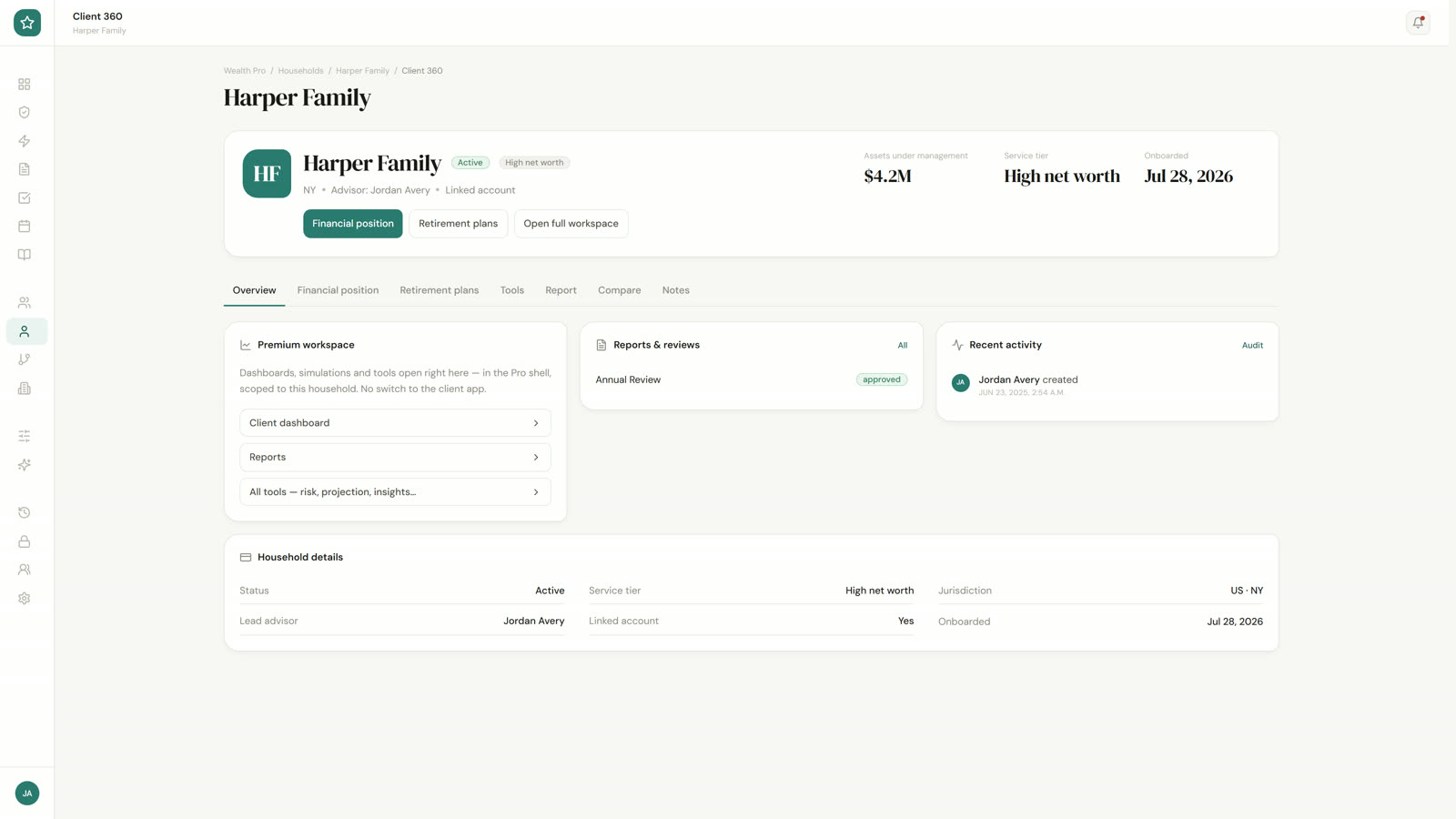
Households hold the whole book with real assets from linked accounts. Client 360 is not a summary card — it embeds the household’s actual financial position, plans, and simulations in the advisor shell. Onboarding runs as an eight-stage pipeline with requirement gates and secure client intake links, and your CRM sits in the same sidebar, embedded in the workspace.
- Households
- Client 360
- Onboarding
- Embedded CRM
Advice with proof
Baseline against proposed — same engine, same tax rules.
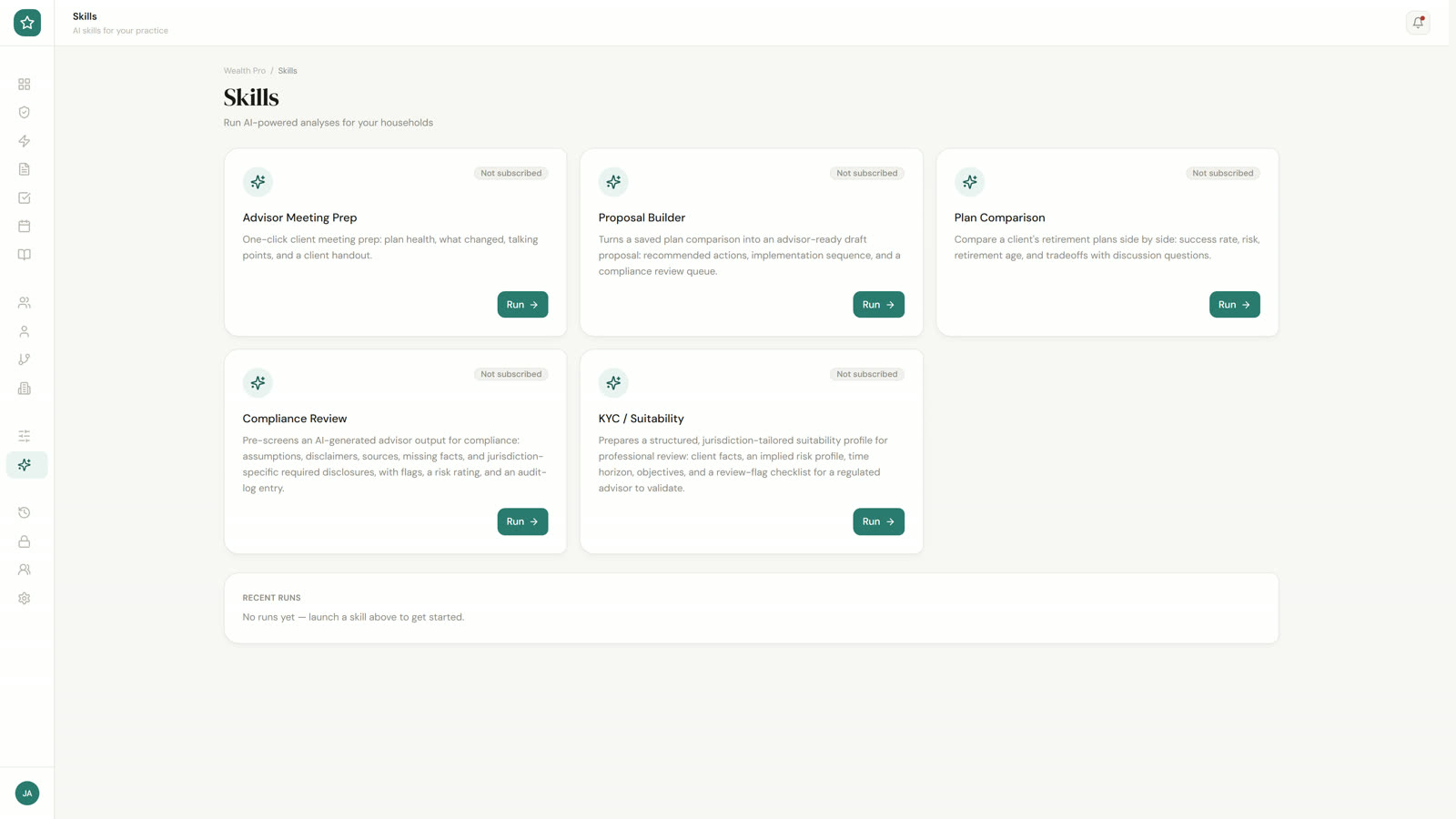
Scenario Compare puts saved plans side by side on their stored engine results, so the only thing that differs is the assumptions. AI skills built for advisors — meeting prep, proposal builder, KYC & suitability, compliance review, plan comparison — run inside the workspace with per-skill run history.
- Scenario Compare
- AI Skills
- Run history
Governance, built in
Recorded as the work happens — not reconstructed after the fact.
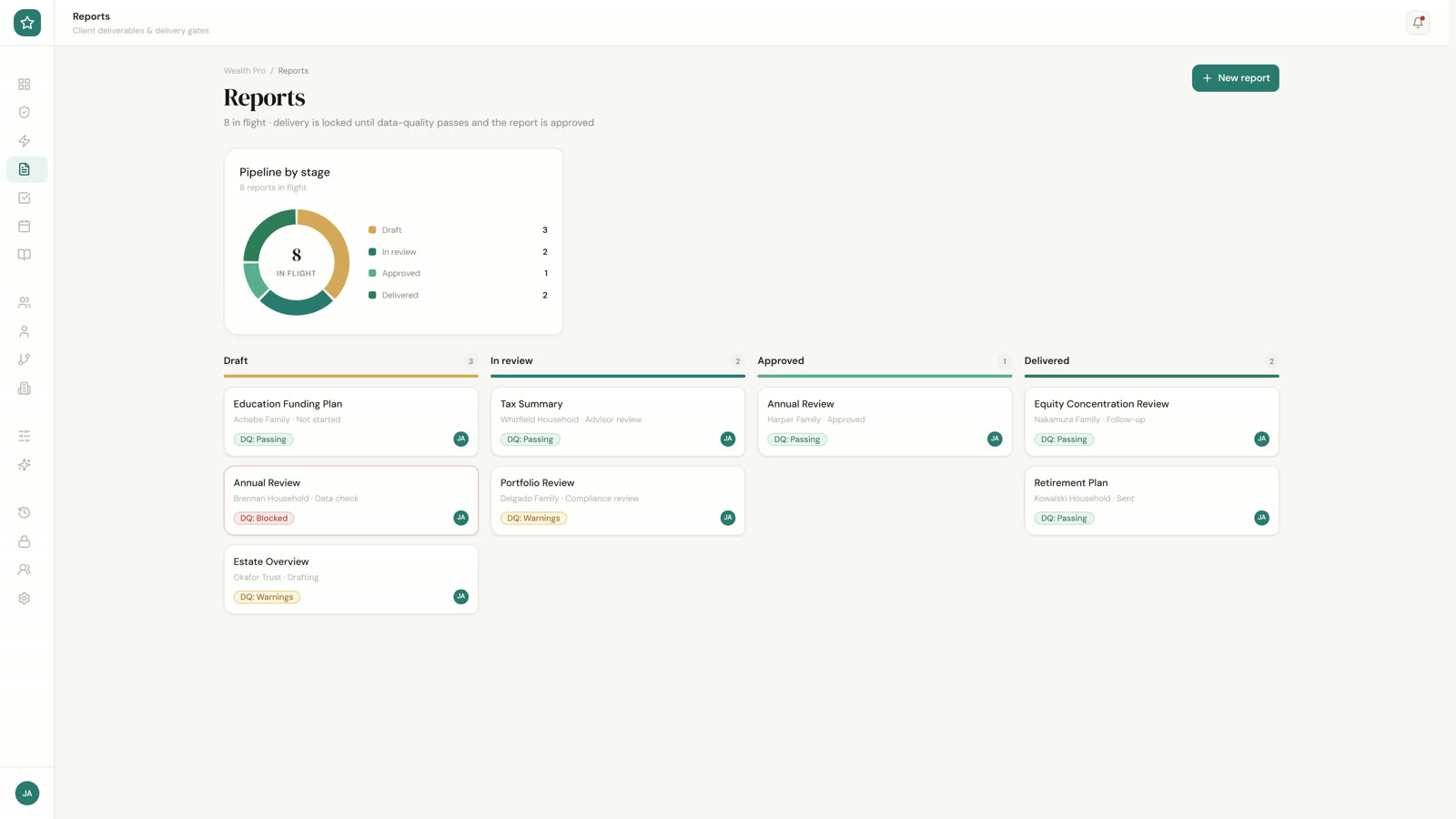
Client-facing work routes for review with graded findings and multi-role sign-off. Reports move through a delivery-gated pipeline — draft, in review, approved, delivered — and data-quality-blocked work is flagged on the dashboard before it reaches a client. Every action lands in an append-only audit log with before/after diffs, and the evidence underneath the advice lives in the vault, labelled and dated.
- Reviews
- Reports
- Audit Log
- Evidence Vault
Run the practice
The practice itself — calendar, notes, team, and billing.
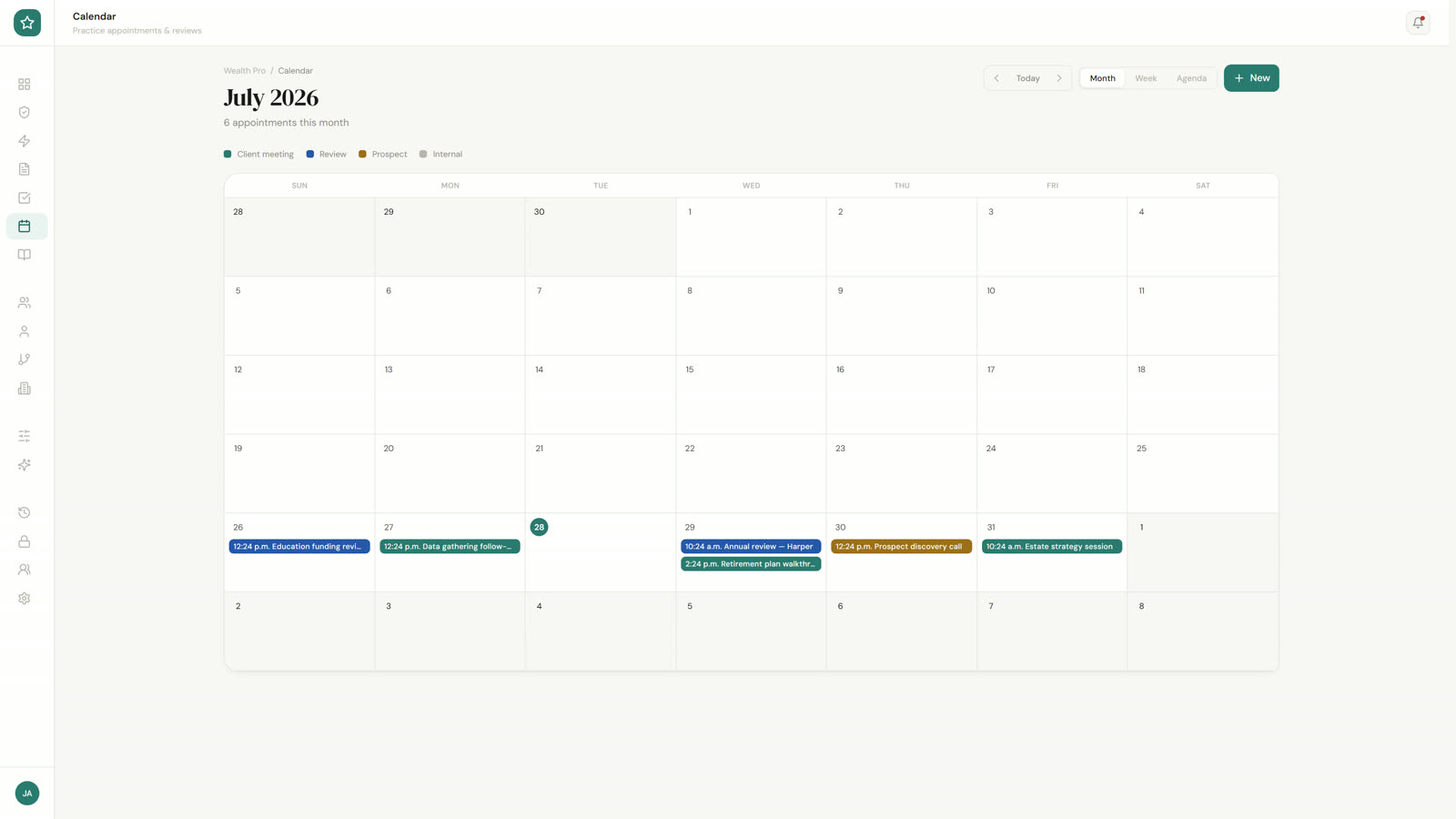
One practice calendar with meetings linked to the households they’re about. A notebook that carries what was said and turns follow-ups into dated actions with owners. Team & Roles governs who sees what and who approves client-facing work across owner, advisor, compliance, tax reviewer, and operations seats — with billing managed from Settings.
- Calendar
- Notebook
- Team & Roles
- Settings & Billing
Inside Retirewise Pro
Real screens from the advisor workspace — the demo practice, exactly as it runs.
The practice dashboard
Open on what needs attention today: assets under management, households, onboarding in flight, reports moving through review, and data-quality exceptions — with a live, attributed activity feed.
Built on the planning engine
Pro isn’t a separate product bolted onto planning software — it’s the practice layer on the same engine your clients’ plans already run on.
Client 360 embeds the household’s real financial position and plans
Scenario comparisons use stored engine results — never re-typed numbers
US and Canadian tax rules, chosen per practice at signup
Frequently asked questions
Set up your advisory practice
Manage your whole book — households, plans, reviews, and compliance — in one place. 7-day free trial, no credit card required.